How does Gameface work?
Gameface is a web application that can be accessed via any device with a web browser, so neither you nor your students need to install anything in order to use it.
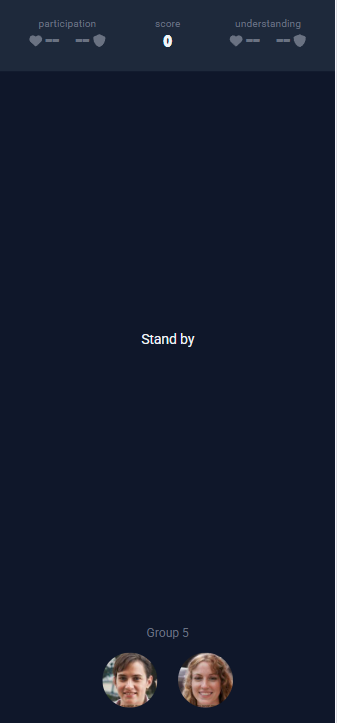 | 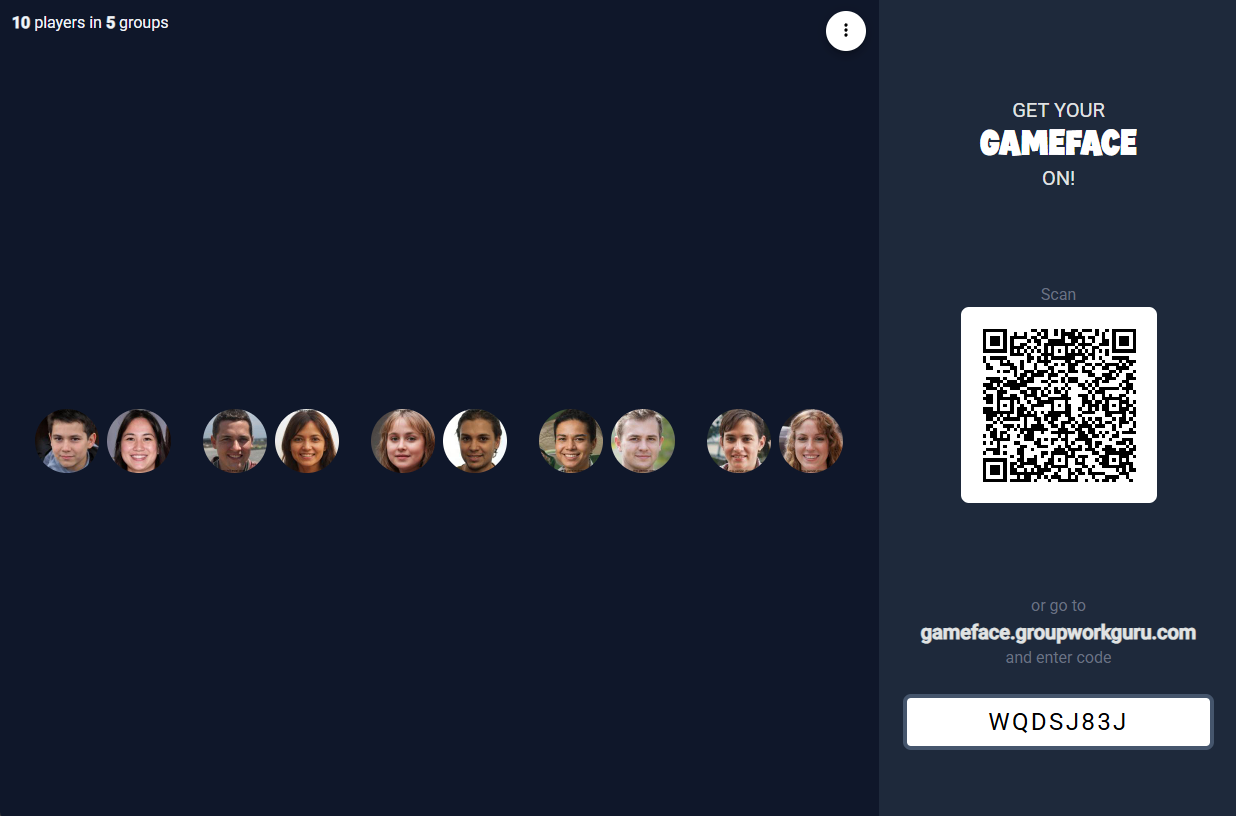 |  |
| a) Player screen | b) Projector screen | c) Remote control |
Figure 1: The Gameface web application | ||
It is designed to be used in small-group classrooms, like tutorials, labs and workshops. At the beginning of class, you (or your tutor) displays Gameface on the main projector screen (Figure 1b). Students can scan the QR code shown there to access the player screen (Figure 1a) on their own devices. This screen allows students to view their scores, find groupmates, and participate in quizzes and tasks. You or your tutor can scan the same QR code to access the remote control (Figure 1c) for controlling the room and accessing sensitive information such as scores, choices, and private notes about the attendees.
In case you are concerned about privacy, rest assured that all names and faces in this guide are fictional. The names, avatars and bios were all randomly generated by AI.
Feel free to dive right in and play around before reading further. Once you are granted a trial account you'll be given your own sandbox course populated with fake students. Simply navigate to Rooms, then New, and Run to get started.